Your content,
your control.
Sanity Studio onboarding for the Assured Environmental team. Everything you need to run the website — without a developer on standby.
Google Docs, but for your website.
Sanity Studio is a visual editor built specifically for your site. You log in, edit text, swap photos, add team members. Changes appear on the live site within seconds.
No code. No deployments. No tickets.
What you edit
Service descriptions, team profiles, testimonials, contact details, product pages, headlines, images — the words and pictures your visitors see.
What stays with developers
Layout, design, new features, colour palette, page structure. Developers build the containers. You fill them with content.
Edit → Publish → Live.
Three systems, one flow. Your edit lands on the live site without passing through a developer.
Text and image changes appear within 30–60 seconds of clicking Publish. Occasionally up to 2 minutes while the CDN refreshes.
One URL. Three sign-in options.
Sign-in methods
- Google account — recommended if you use Gmail or Google Workspace
- Email + password — create a free Sanity account
- GitHub — for developers
An admin sends you an email from Sanity. Click the link, pick a sign-in method, and you'll land inside the Studio.
Three roles. Clear boundaries.
Viewer Read-only
- See all content
- Browse drafts
- Cannot edit
- Cannot publish
For stakeholders reviewing work-in-progress.
Editor Standard
- Create content
- Edit content
- Publish to live site
- Delete content
Default for content managers and marketing staff.
Administrator Full
- Everything Editors do
- Invite team members
- Manage roles
- Billing & project settings
At least one admin must own the project.
Sidebar. List. Editor.
Three columns. Pick a content type on the left, a document in the middle, edit on the right.
Ten document types. Everything on your site.
Site Settings ◆
Global config, logo, contact details, socials.
Navigation ◆
Menu items, dropdowns, header CTA button.
Home Page ◆
Hero, intro sections, homepage modules.
Pillar Pages
Monitor, Consult, Supply — the three landing pages.
Service Pages
Individual services under Monitor and Consult.
Category Pages
Supply/Instruments groupings.
Products
Individual instruments and equipment.
Generic Pages
About, Contact, and anything one-off.
Team Members
Staff profiles, bios, qualifications, photos.
Testimonials
Client quotes, company names, featured flags.
◆ Singleton — only one document, cannot be deleted or duplicated.
Site Settings.
One document. Everything that appears sitewide — footer, SEO defaults, contact info, social links. Edit here, changes cascade everywhere.
| Field | Appears in |
|---|---|
| Logo | Header, footer |
| Contact email | Footer, contact |
| Phone | Footer, contact |
| Address | Footer, contact |
| Social links | Footer icons |
| Meta description | SEO default |
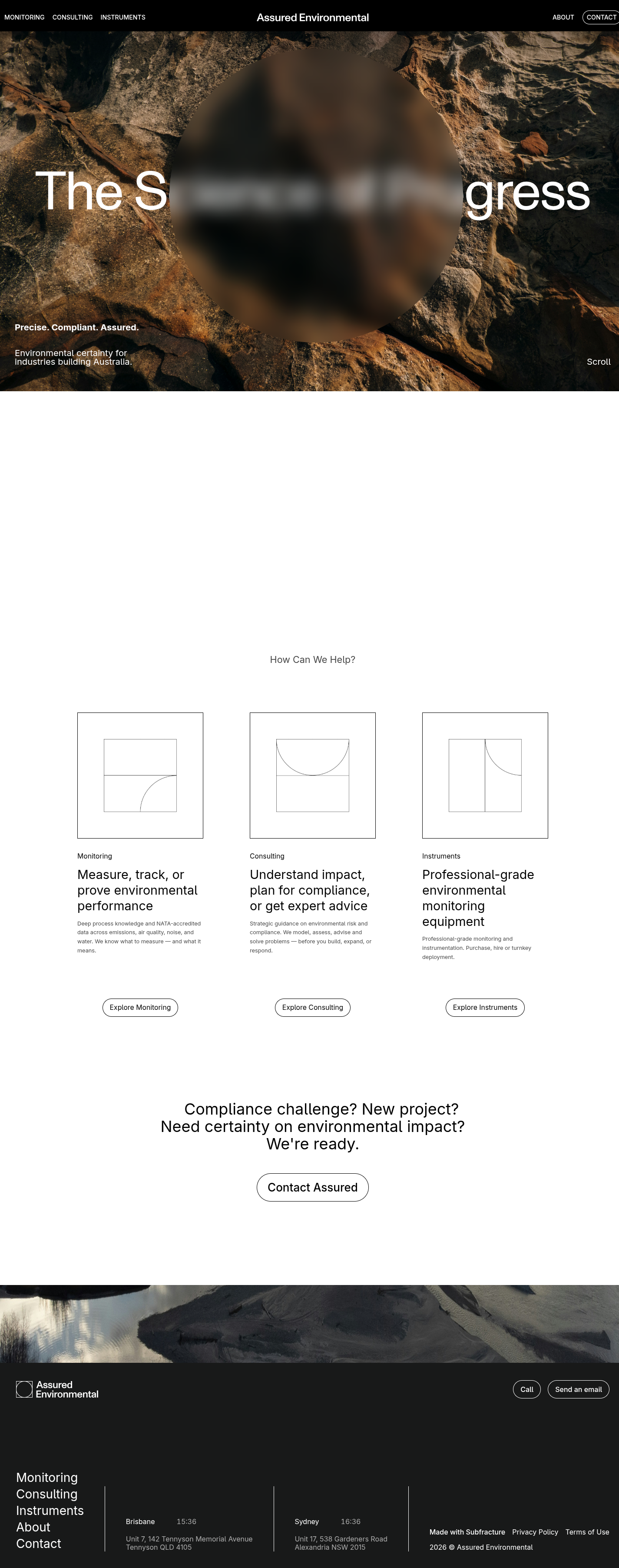
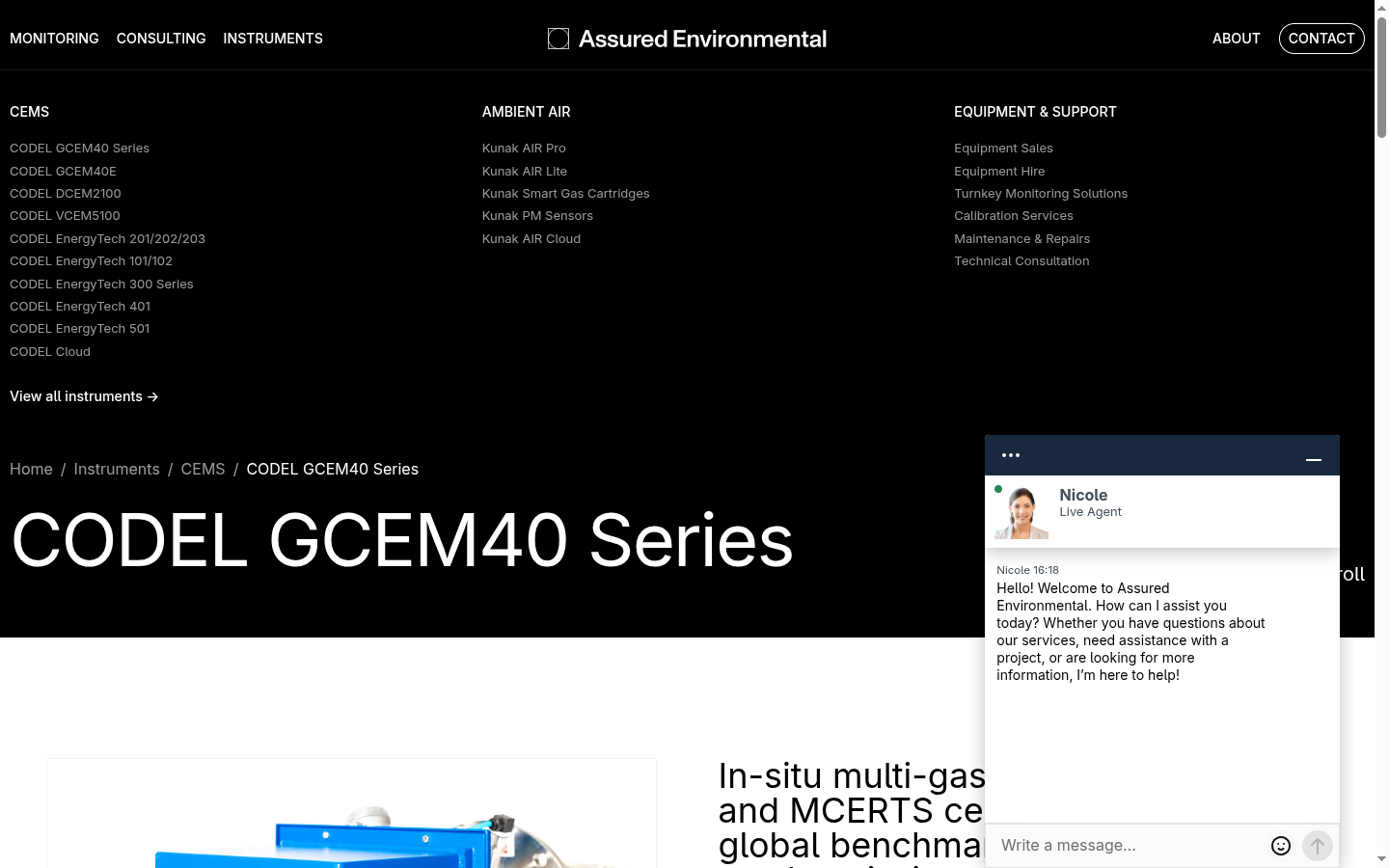
Navigation.
Controls the top menu — links, dropdowns, and the primary CTA button. Re-order items by dragging. Changes push live instantly.
- Menu Items — top-level links
- Dropdown Items — sub-menu entries
- URL target — internal path or external link
- CTA Button — "Get in Touch" or similar
Monitor. Consult. Supply.
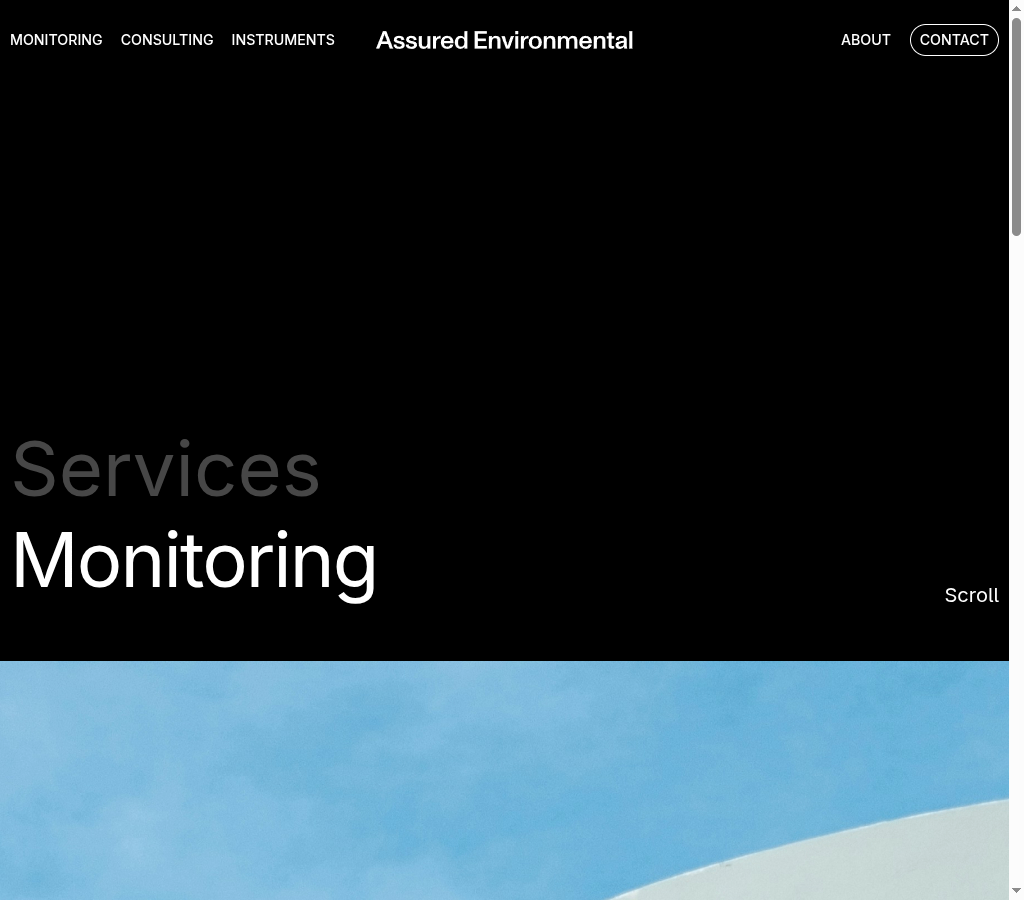
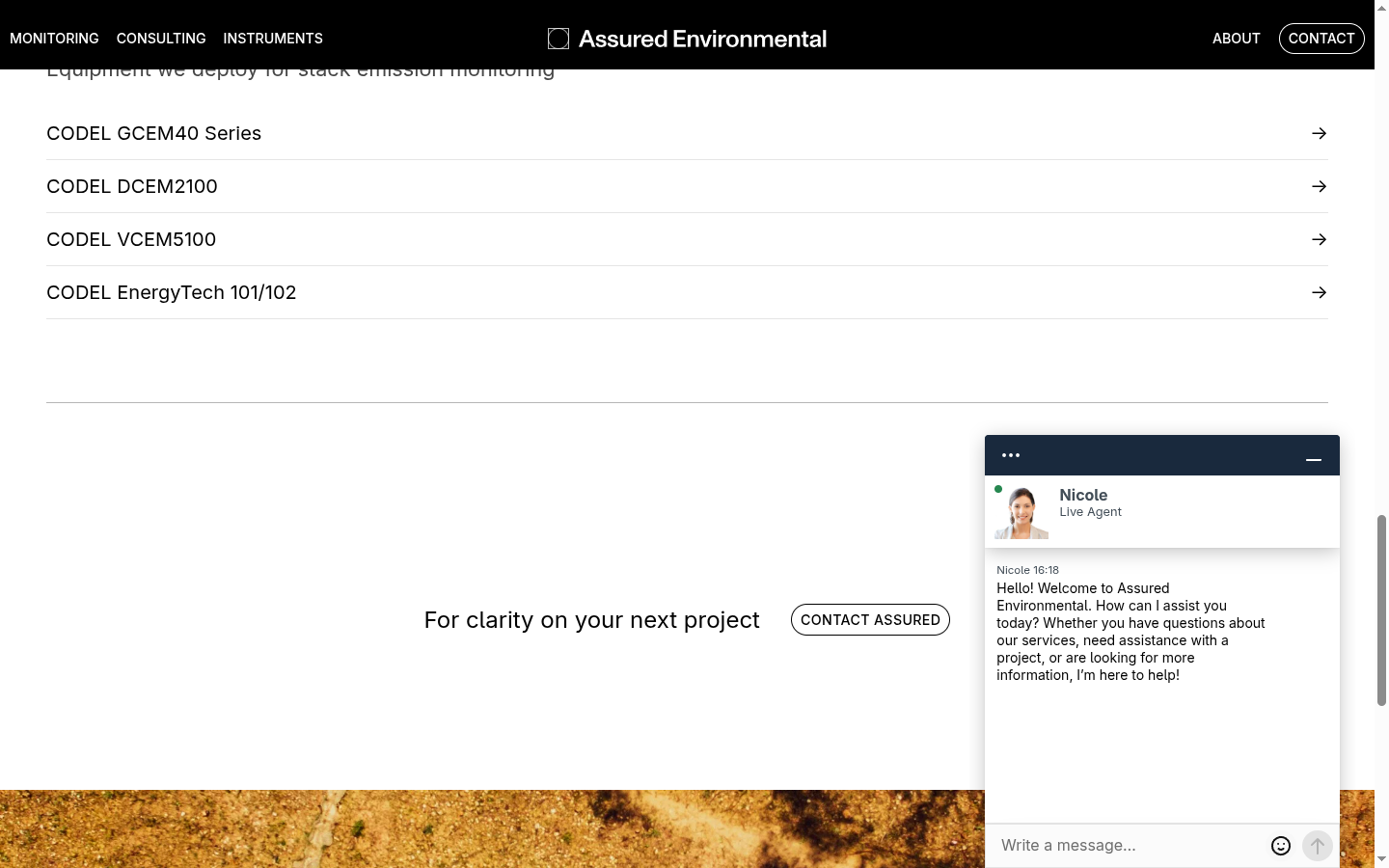
The three service category pages. Each has a hero, an intro paragraph, and links to the services inside it. These are the top-level entry points visitors hit from the main menu.
- Hero — headline, supporting copy, background image
- Pillar type — Monitor, Consult, or Supply
- Intro — opening paragraph
- Services — linked service pages
- SEO — meta title, description, social image
Service pages.
The detail pages under each pillar. Edit the overview, key points, methodology, FAQs — whatever a prospect needs to understand the service.
| Field | Purpose |
|---|---|
| Title | Page heading |
| Slug | /monitor/air-quality |
| Pillar | Monitor or Consult |
| Short desc | Card preview |
| Full desc | Accordion body |
| Key points | Bullet highlights |
| FAQ | Common questions |
Your people.
Add, remove, reorder staff profiles. Each profile appears on the About page. Change the Order field to control display sequence.
| Name | Full name |
| Role | Job title |
| Bio | Background |
| Image | Headshot |
| Qualifications | Certs, degrees |
| Profile URL | |
| Order | Position |
Client quotes.
Client endorsements that appear throughout the site. Flag one as Featured to surface it in hero sections and key CTAs.
| Quote | Testimonial text |
| Author | Client name |
| Company | Organisation |
| Role | Job title |
| Image | Optional photo |
| Featured | Promote? |
Pick. Change. Preview. Publish.
- Pick the content type from the sidebar. Click the document you want to edit from the list. The editor form opens on the right.
- Make your change. Type into text fields. Drag and drop images. Toggle checkboxes. Everything auto-saves as a draft.
- Preview if you're unsure. The draft doesn't appear on the live site until you publish.
- Click Publish (green button, bottom right). Changes go live within 30–60 seconds. You'll see Published replace Draft.
Click the ⋮ menu → History to see every version of this document. Roll back to any previous state with one click. Nothing is ever permanently lost.
Formatting you already know.
| Action | Shortcut |
|---|---|
| Bold | Ctrl/Cmd + B |
| Italic | Ctrl/Cmd + I |
| Link | Highlight → link icon |
| Heading | Paragraph dropdown |
| Bullet list | List icon |
| Undo | Ctrl/Cmd + Z |
Drop, crop, describe.
- Drag & drop any image onto an image field
- Set a hotspot — click the image to choose the focus point for crops
- Add alt text — required for accessibility and SEO
- Sanity auto-optimises — no need to resize or compress beforehand
Hero 1920×1080+ · Team 800×800 · Logos SVG preferred. Keep files under 500 KB where possible.
Three states. One button.
● Published
Live on the website. No unsaved changes. This is the steady-state for finished content.
✎ Draft
You've made changes that aren't live yet. The published version is still showing on the site. Click Publish to push changes live.
+ New
A brand new document that has never been published. Visitors can't see it until you hit Publish for the first time.
Click the ⋮ menu → Discard changes to throw away your draft and revert to the last published version. Instant, non-destructive, reversible via History.
Small habits that save hours later.
Images
Name files descriptively: cems-analyser.jpg, not IMG_4523.jpg. Always fill alt text. Aim for under 500 KB. SVG for logos.
Slugs (URLs)
Lowercase. Hyphens, not spaces: air-quality. Keep them short. Never change a slug after publishing — it breaks existing links.
SEO
Fill every meta title (under 60 chars) and description (120–160 chars). They're what Google shows in search results.
Headings
Use H2, H3, H4 to structure long content. Don't skip levels. Helps accessibility and SEO equally.
Drafts
Don't leave stale drafts hanging around. Either publish or discard. A tidy Studio is a manageable Studio.
Preview first
For any substantial change, open the live site in another tab after publishing. Confirm it looks right before walking away.
The common fixes.
| Symptom | First thing to try |
|---|---|
| Can't log in | Check the email you were invited on. Try password reset at sanity.io. Ask an admin to re-send your invite. |
| Changes not showing on site | Did you click Publish, not just close the tab? Hard refresh (Ctrl/Cmd + Shift + R). Wait 60 seconds. |
| Accidentally deleted something | Open ⋮ menu → History, find the version before the delete, click Restore. Always reversible. |
| Can't find a document | Use the search bar at the top of the document list. Check you're in the correct content type. |
| Image upload fails | Check file size (under 10 MB). Try JPG or PNG if upload fails on WebP/HEIC. Refresh the page. |
| "Something went wrong" error | Refresh the page. If it persists, take a screenshot and contact the development team. |
What changes hands today.
- Sanity project ownership — an Assured admin is promoted to project Administrator on sanity.io/manage
- Billing contact — updated to Assured's nominated email. Currently on Sanity's Free tier (up to 3 users, 10k documents).
- Cloudflare Pages — hosting the live site. Access transferred separately by the dev team.
- Domain / DNS — Assured retains ownership. Pointed to Cloudflare Pages.
You own the content. Adding a new field (e.g. "Certifications on Team Member") still requires a developer to update the schema, commit to the repo, and redeploy the Studio.
3 user seats included. Beyond that, Sanity's Growth plan is USD $15/user/month. Plan seat allocation before inviting the full team.
Three paths for three kinds of problem.
"How do I format a list?" "Can I schedule publishing?" — search the docs first, the answer is usually there.
Access issues, permissions, "what field should I use?", brand guideline questions, content review before publishing.
New fields, new page types, layout changes, Studio errors, site downtime, schema updates, integrations.
Pin this slide.
Links
Everyday actions
| Edit content | Sidebar → doc → form |
| Go live | Green Publish button |
| Undo | ⋮ → History → Restore |
| Add team member | Team Members → + → Publish |
| Invite colleague | sanity.io/manage → Members |
| Upload image | Drag & drop · add alt text |
The site
is yours.
Log in when you need to. Edit what needs editing. Publish when you're ready. The developers are here when the structure needs changing — everything else is content, and content is yours.